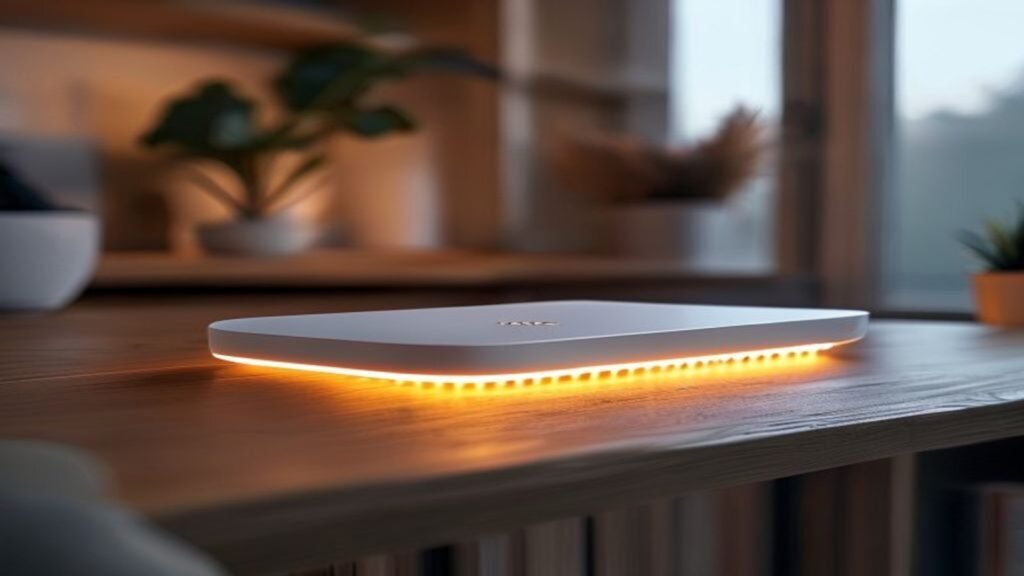
Everything in a modern home that touches the internet passes through one device, and most people have never opened its settings. The router supplied with a broadband contract is installed once, pushed behind a television, and then left running for five or six years. It is also the only device on the network that can see all the other traffic, which is precisely what makes it the target worth attacking.
The good news is that home router security is unusually tractable. There is a short list of things that matter, they take about twenty minutes in total, and once done they need revisiting perhaps once a year.
Change the admin password, not just the Wi-Fi one
Almost everyone changes the Wi-Fi password at some point. Far fewer change the administrator password that controls the router itself, which on older hardware is often something like admin or a value printed on the underside of the box. Those defaults are catalogued publicly and tried automatically. Anyone who reaches the admin panel can redirect your DNS, which means they can silently send your banking traffic wherever they like.
Log in through the address printed on the router, usually 192.168.1.1 or 192.168.0.1, and set a long unique password. The National Cyber Security Centre three random words guidance is the pragmatic standard here: length beats complexity, and a passphrase you can remember beats a clever string you write on a sticky note.
Turn off remote management and UPnP
Remote management exposes the admin panel to the open internet so that a support engineer can reach it. Unless you have a specific reason to want that, it should be off. Universal Plug and Play is more contentious: it lets devices open ports through your firewall automatically, which is convenient for games consoles and awful for security, because malware on any device can use it too. Turning it off occasionally breaks a console feature. It is usually worth the inconvenience.
While you are in there, check whether WPS is enabled. The push-button pairing standard has known weaknesses in its PIN mode and offers very little that typing a password does not.
Use WPA3, or at least WPA2 with AES
Encryption settings are usually buried under wireless security. WPA3 is current. WPA2 with AES is acceptable. Anything labelled WEP or TKIP should be considered broken and has been for well over a decade; if your router only offers those, the router is the problem and needs replacing rather than configuring.
Firmware is the part everyone skips
Router firmware receives security patches, and unlike a phone it usually does not nag you to install them. Some providers push updates automatically. Many do not. Check the admin panel for a firmware or update section and apply what is there, then check whether automatic updates can be switched on.
This is where the age of the hardware becomes decisive. Under the Product Security and Telecommunications Infrastructure regime, manufacturers selling consumer connectable products in the UK must publish how long a device will receive security updates, a change explained in the government guidance on product security. If your router passed that date, no amount of configuration compensates. Ask your provider for a replacement; most will supply one free on a long-standing contract.
Separate the smart devices
Cheap smart plugs, bulbs, cameras and doorbells are the least maintained computers in most homes, and a compromised camera on the same network as a work laptop is a genuine problem. Most modern routers can broadcast a guest network. Put every smart device on it. The devices still reach the internet and their apps still work, but they cannot see your laptops, phones or network storage.
Regulatory pressure on this category is increasing rather than decreasing. Ofcom research on connected technology in UK homes has tracked a sharp rise in the number of internet-connected devices per household, and the average home now runs far more of them than its network was designed around.
What not to bother with
Hiding the network name achieves nothing; the network is still detectable and you have only made it harder to connect to. MAC address filtering is trivially bypassed by copying an allowed address. Consumer VPNs installed at the router are useful for privacy from your internet provider and useless against the threats described above. None of these are harmful, but they are not security.
A twenty minute checklist
Set a strong unique admin password. Disable remote management, UPnP and WPS. Confirm WPA3 or WPA2-AES. Update firmware and enable automatic updates. Move smart devices to a guest network. Check the manufacturer support end date. Reboot. That sequence closes almost every practical attack path against a domestic network, and it is more protective than any piece of software you could buy.
More from our technology desk: what the Online Safety Act actually requires, how to buy a used smartphone safely, and our full technology coverage.
Related coverage: How to Start a Tech Podcast: Your Ultimate Guide.