Keeping students actively participating throughout a lesson is one of the biggest hurdles educators face. You prepare a fantastic lesson, but halfway through, you notice wandering eyes and distracted minds. Fortunately, interactive learning tools have changed the way we assess and interact with students. At the forefront of this shift is Quizizz, a platform that turns standard quizzes into interactive, gamified experiences.
If you want to maximize participation and accurately measure student understanding, mastering the platform’s entry system is essential. This article will show you exactly how to use quizizz join codes to create a seamless, engaging environment for your students. We will cover how the system works, practical tips for daily use, and the distinct benefits for both teachers and administrators.
What Are Quizizz Join Codes?
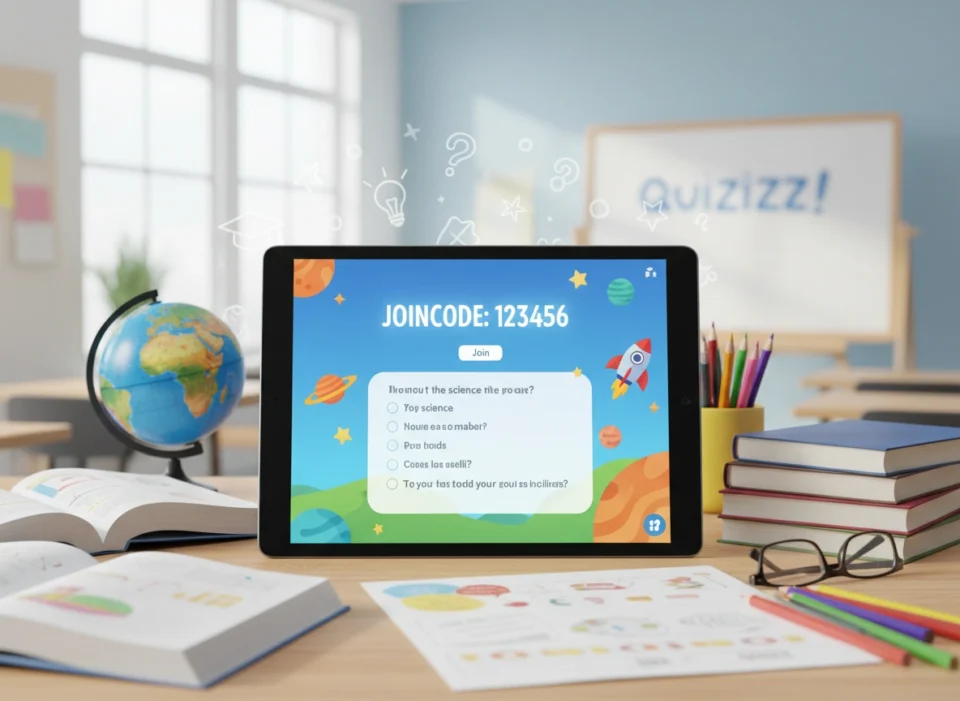
Before diving into advanced strategies, we must understand the mechanics. A join code is a unique, randomly generated sequence of numbers (and sometimes letters) that connects a student’s device directly to your specific quiz or lesson.
When you launch a live activity or assign homework on the platform, the system generates this code automatically. Students simply navigate to the entry page, type in the sequence, and they are instantly added to your roster for that specific activity. This eliminates the need for complex logins, student email requirements, or cumbersome onboarding processes. The simplicity of the code system means you can transition from a lecture to an interactive assessment in less than a minute.
Why Engagement Matters in the Classroom
Active engagement is not just about keeping students busy; it is about cognitive involvement. When students interact with the material, they form stronger neural pathways, leading to better retention and deeper understanding. Traditional lectures often lead to passive listening, where the information goes in one ear and out the other.
Gamified platforms flip this dynamic. By introducing elements like points, leaderboards, and immediate feedback, you tap into the natural human desire for achievement and progression. Students no longer fear the assessment process. Instead, they view it as a challenge to conquer. The join code is the gateway to this transformed learning experience, making the barrier to entry as low as possible.
Step-by-Step: How to Use Join Codes Effectively
Using the codes correctly ensures you do not waste valuable instructional time. Here is a clear, step-by-step process for integrating them smoothly into your daily routine.
1. Generating the Code
Once you have selected or created your quiz, decide whether you want to run it live or assign it as independent practice.
- Live Quizzes: Select the “Start a live quiz” option. You can choose “Classic” mode for individual pacing or “Instructor-paced” to move through questions together as a class. Once selected, the screen will display a large, easy-to-read code.
- Homework Assignments: Select “Assign homework,” set your deadlines, and the system will generate a persistent code that remains active until the deadline passes.
2. Sharing with Students
Display the code prominently. If you are in a physical classroom, project the code onto your smartboard or whiteboard. Read the code aloud twice to help auditory learners.
For virtual or hybrid environments, copy the code and paste it directly into your chat box, learning management system (LMS), or virtual classroom announcement page. You can also share direct links, but providing the code itself acts as a reliable backup if the direct link fails.
3. Monitoring Live Progress
As students enter the code, their names will populate on your screen. This acts as a real-time attendance tracker. If you have 25 students and only see 22 names, you know immediately who needs technical assistance. Once everyone is in, you press start, and the engagement begins instantly.
Best Practices for Seamless Integration
Knowing how to generate a code is only the first step. To truly elevate your instructional design, you must use the platform strategically.
Use as Formative Assessment
Do not wait until Friday for a massive test. Use short, five-question quizzes at the beginning of class to activate prior knowledge, or at the end of class as an exit ticket. Generate a code for a quick “Do Now” activity as students walk into the room. This immediately focuses their attention and sets a productive tone for the rest of the period.
Encourage Healthy Competition
The gamified nature of the platform naturally fosters competition. However, ensure this competition remains healthy and inclusive. You can turn off the visible leaderboard if you notice it causes anxiety among certain students. Alternatively, use the “Team” mode, where students join via the code but are randomly grouped together. This builds collaborative skills and takes the pressure off individual performance.
Assign for Independent Practice
Homework completion rates often suffer because traditional worksheets are uninspiring. By assigning a join code for homework, you transform a chore into a game. Students get immediate feedback on their answers, allowing them to correct misconceptions in real-time rather than waiting days for you to grade a paper submission.
Troubleshooting Common Issues
Even with the most intuitive technology, minor hiccups occur. Being prepared for these moments ensures your lesson maintains its momentum.
- Wrong Code Errors: Students often transpose numbers. If a student cannot enter the room, ask them to read the code they typed out loud. Usually, they simply swapped a 6 for a 9.
- Inappropriate Nicknames: Sometimes, students try to use silly or distracting names when joining. You can enable the “Name Factory” feature before generating the code. This forces students to use a randomly generated, safe, and fun name, eliminating classroom management issues before they start.
- Dropped Connections: If a student’s internet drops, they can usually re-enter the same code and resume exactly where they left off. Reassure students that technology glitches will not negatively impact their scores.
The Benefits for Educators and Administrators
The advantages of this system extend far beyond the immediate joy of the students. For educators, the platform acts as a massive time-saver. You no longer have to grade exit tickets by hand. The moment the activity concludes, you have access to granular data. You can see which specific question tripped up the most students, allowing you to instantly pivot your instruction and reteach that concept.
For administrators, promoting the use of these tools creates a culture of data-driven instruction across the building. When teachers use join codes for standardized benchmark practice, administrators can look at the aggregated reports to identify grade-level trends and allocate resources accordingly. It standardizes the formative assessment process without removing the creative autonomy of individual teachers.
Conclusion
Maximizing classroom participation does not require completely overhauling your teaching philosophy. Often, it just requires the right tools and a streamlined entry process. By leveraging Quizizz join codes effectively, you eliminate friction, reduce administrative overhead, and create a learning environment where students are eager to participate.
Start small. Find a premade quiz relevant to tomorrow’s lesson, display the code on your board, and watch how quickly your students lean into the material. With consistent use, you will build a dynamic, data-rich classroom where every student has a voice and every lesson counts.
